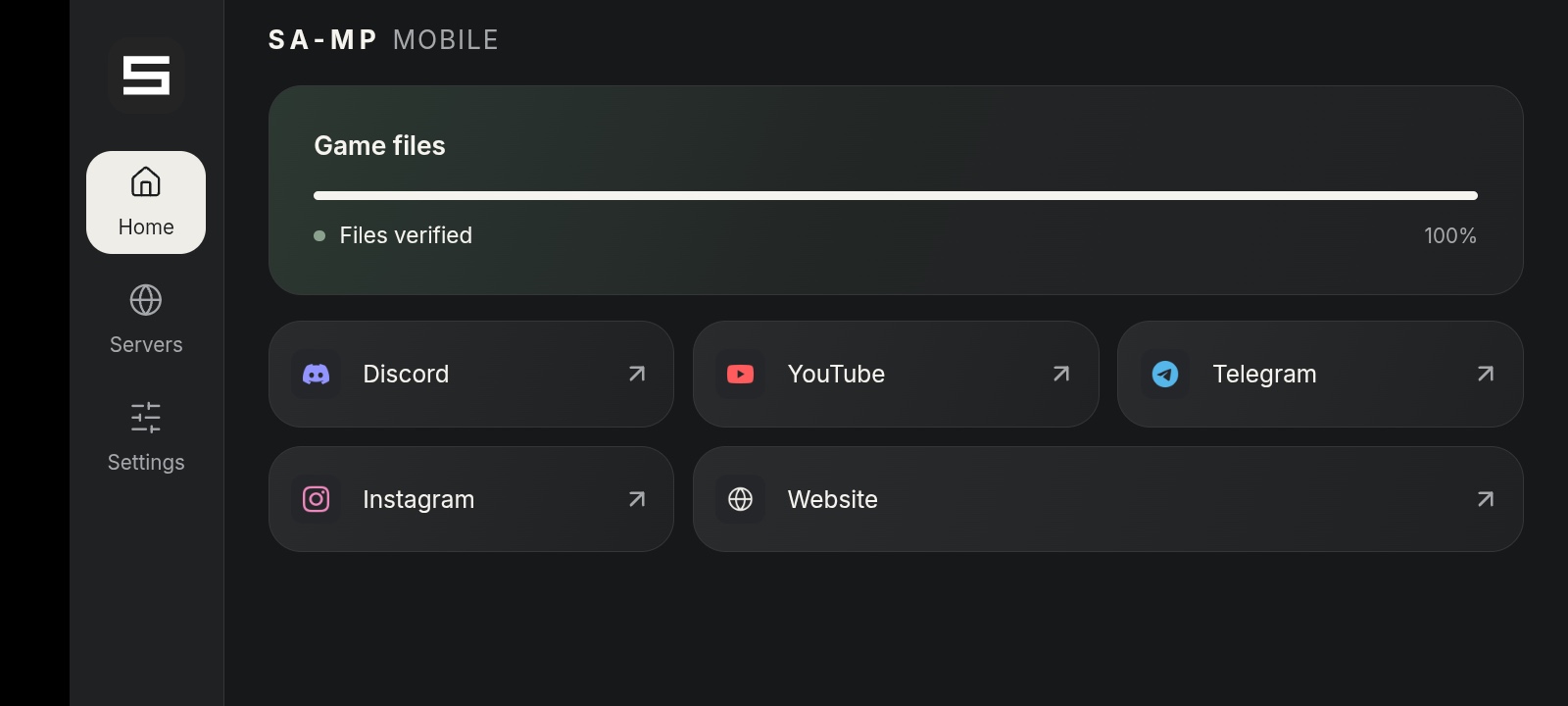
Home
Check your game files and find community links.
 SA-MP Mobile
— In game
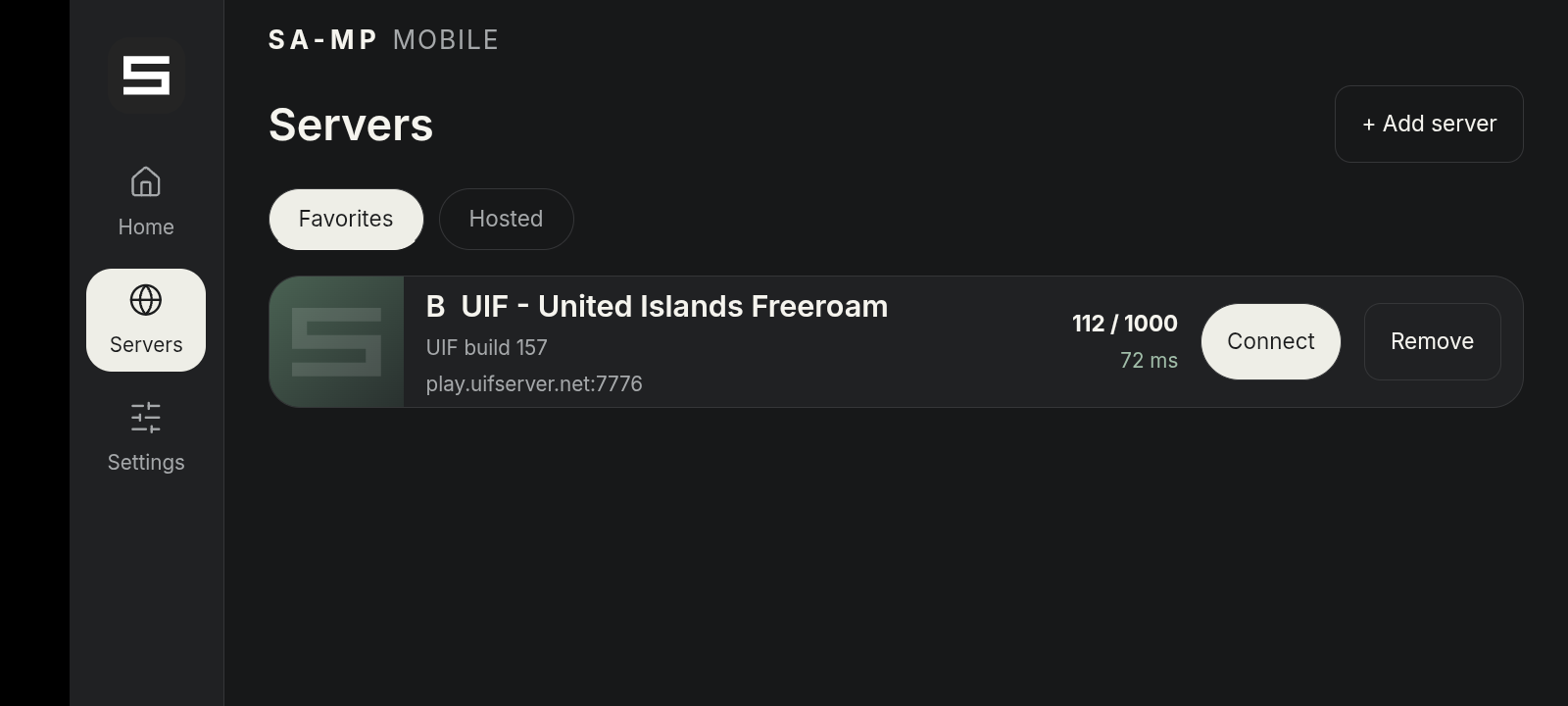
Find a server, see who’s online and connect from Android.
Check your game files and find community links.
See player counts and ping, or add a server by IP.
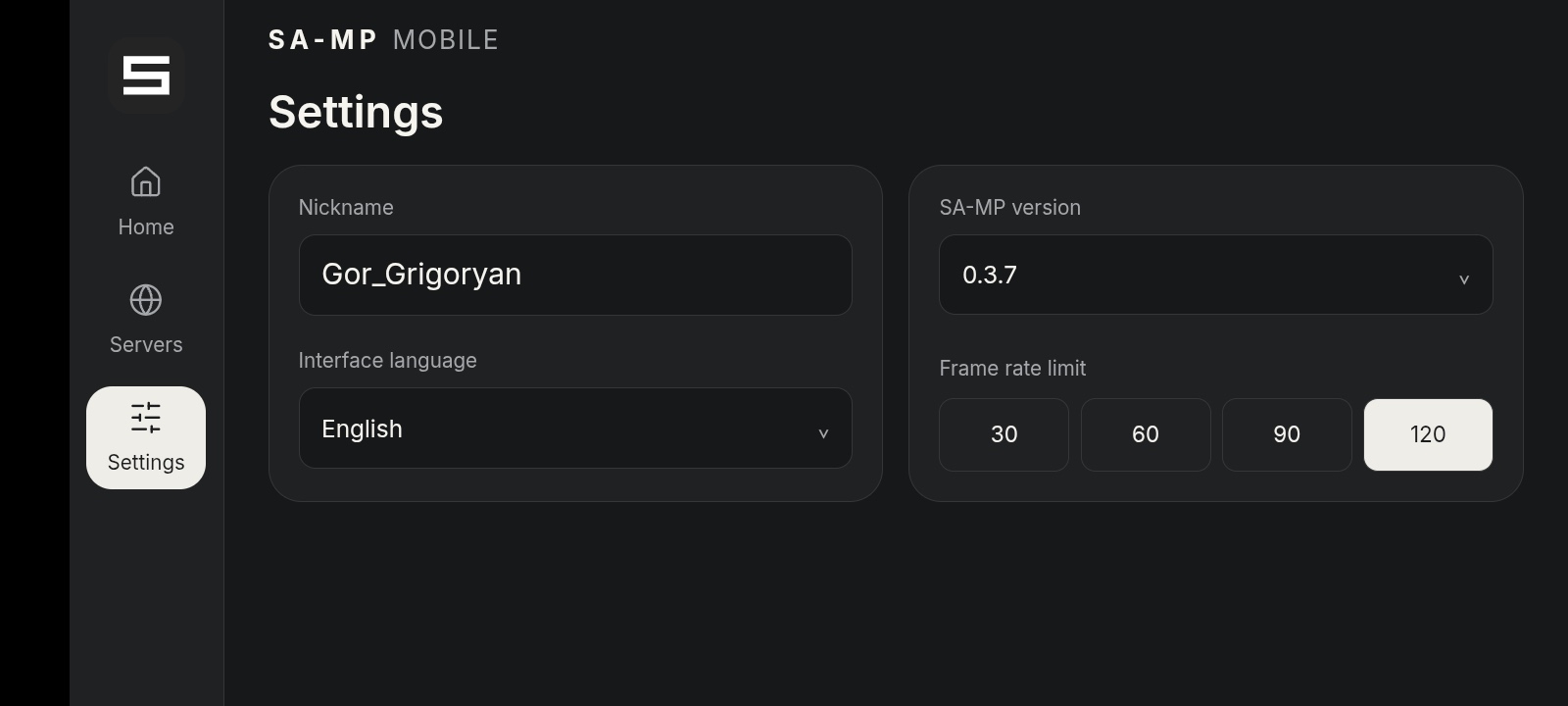
Choose your nickname, interface language and frame rate.
Download the Android APK, open it and follow the installation prompts.
Open the launcher on Wi-Fi and let it download and verify the game files.
Set your nickname in Settings. Pick a server or enter its IP address and port.